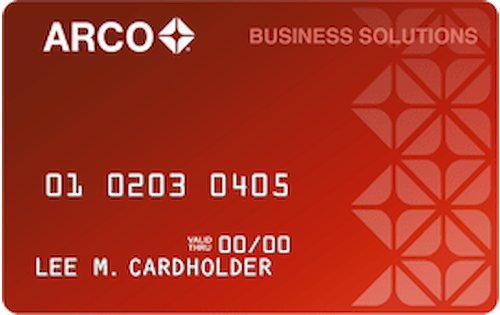


How do I check my Arco Fleet Card application status?

You can check your Arco Fleet Card application status by calling (855) 852-6862. When you call, listen to the automated menu and press the key to check your status, then verify your identity so Regions Bank can match you to your application. You unfortunately cannot check your Arco Fleet Card application status online.
How to Check Your Arco Fleet Card Application Status
- Call (855) 852-6862.
- Follow the prompts that lead to an application status check or connect with a representative and tell them you'd like to check your Arco Fleet Card application status.
- Verify your identity when asked, so the system or representative can find your application.
- Listen for the automated voice or customer service rep to tell you whether your application is pending, approved, or denied.
It can take anywhere from a few seconds to 30 days to receive a decision on your Arco Fleet Card application after you apply. If you haven't heard back within a reasonable time frame, you can always call customer service to ask about the delay.
Even if you get bad news when you check your application status, you don't have to lose hope. If you get denied, you can still call Regions Bank at (855) 852-6862 and ask them to reconsider.