
Chip Lupo, Credit Card Writer
@CLoop
To get an American Express virtual card number, sign up for Google Pay through the American Express website. When you use this digital wallet to make a purchase, a virtual card number will be generated for your card.
How to Get an American Express Virtual Card
- Log in to your account on the American Express website with your User ID and password.
- Select “Account Services,” then “Card Management,” and then “Manage Digital Wallets & Payment Features,” OR navigate to americanexpress.com/managedigitalwallets.
- Find “Add Card to Google Pay” in the banner at the top of the page, and tap or click the “Add Card” button.
- Follow the on-screen prompts to complete the enrollment.
Virtual Card Numbers Through Google Chrome
In addition to the Google Pay option, you can also get an American Express virtual card number through the Google Chrome browser on your desktop, Android device, or through some Android apps when you make a purchase. To do so:
- Make any purchase using your card. If you haven’t added a card to your Google account, you’ll be prompted to save your card to Google Autofill, and then you’ll see a prompt to enroll for a virtual card number.
- If you’ve already added a card to your Google account, you will be simply prompted to enroll for a virtual card number.
Another way to enroll your American Express card for virtual card numbers is directly through the Google Chrome browser settings. You just have to take a few easy steps:
- Log in to your Google account and select the payment settings tab.
- Tap or click on the three dots for the card you want to enroll.
- Select the prompt to add or turn on the virtual card.
Digital Wallet Alternatives
Finally, you can get a virtual card number for your Amex through other digital wallets, like Samsung Pay and Apple Pay. Or, you can use Click to Pay, which is available to anyone with an American Express, Visa, Mastercard or Discover card.

Popular Credit Cards from American Express, Our Partner
-
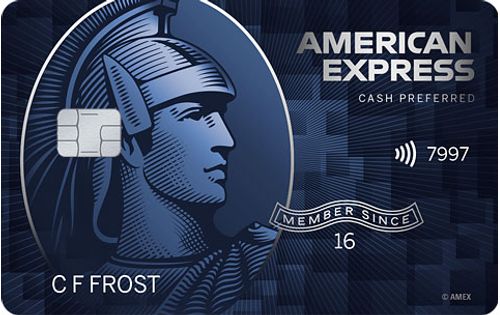
Cash Back
-
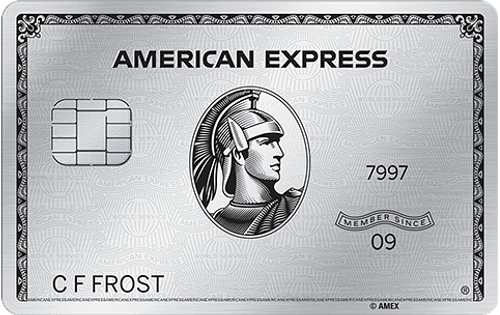
Travel Rewards
-
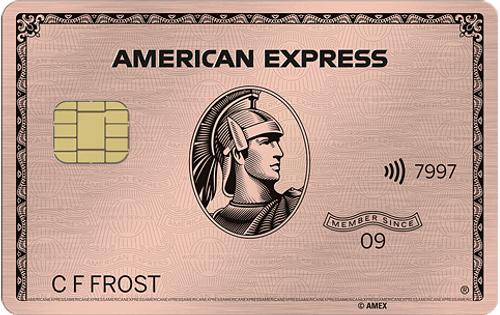
Dining Rewards
-
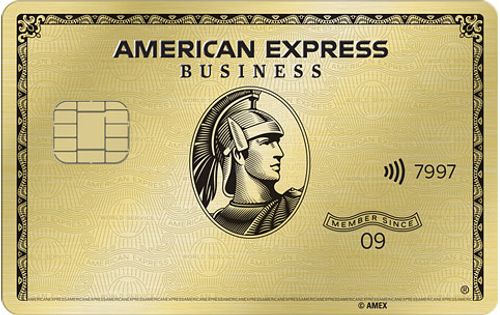
Business Rewards
People also ask
Did we answer your question?
Important Disclosures
Ad Disclosure: Certain offers that appear on this site originate from paying advertisers. For full transparency, here is a list of our current advertisers.
Advertisers compensate WalletHub when you click on a link, or your application is approved, or your account is opened. Advertising impacts how and where offers appear on this site (including, for example, the order in which they appear and their prevalence). At WalletHub we try to present a wide array of offers, but our offers do not represent all financial services companies or products.
Advertising enables WalletHub to provide you proprietary tools, services, and content at no charge. Advertising does not impact WalletHub's editorial content including our best picks, reviews, ratings and opinions. Those are completely independent and not provided, commissioned, or endorsed by any company, as our editors follow a strict editorial policy.